AI Agents
 DevOps Teams
 E2E Testing
 QA Teams
 Product Teams
 Blog
Blog
 Docs
Docs Starter Apps
 EphemeralEnvironments.io
 Kubelist
We’re officially announcing our technical partnership with LocalStack! While we’ve had a working integration and many users who already use LocalStack in their ephemeral / preview environments, we’re taking the next step and rolling out some guides, docs, and webinars on ways you can get set up with AWS mocking in your pre-production environments.
What is LocalStack?
LocalStack is an AWS cloud service emulator that enables devs to test their cloud applications locally (and in pre-production). Being able to develop cloud apps completely offline is a major convenience for iterating faster, testing more often, and of course saving cloud costs.
Shifting Left with Shipyard and Localstack
At Shipyard, we share a common mission with LocalStack: we want to make local and pre-production development as simple and close to production as possible.
Setting up pre-production on AWS is expensive, and often unnecessary, especially when you can use a tool like LocalStack to mock services, thus getting similar results much earlier on in the development pipeline.
Once you’re done developing locally with LocalStack, you can easily use LocalStack in your Shipyard environment(s). Remember: if it works locally, it works on Shipyard.
Development with LocalStack and Shipyard typically looks like this:
- Take your existing LocalStack-enabled cloud app
- Develop locally with Docker Compose
- Open a PR
- Get a secure and shareable Shipyard preview environment
- Start testing your mocked AWS services
See Shipyard + LocalStack together in action
LocalStack Item Tracker
If you’ve tried some of our starter apps recently, you’ve already used LocalStack with Shipyard to host an S3 bucket. To show another facet of the Shipyard and LocalStack integration, the LocalStack team put together a demo CRUD app with a DynamoDB table.
Fork the LocalStack Item Tracker app on GitHub:
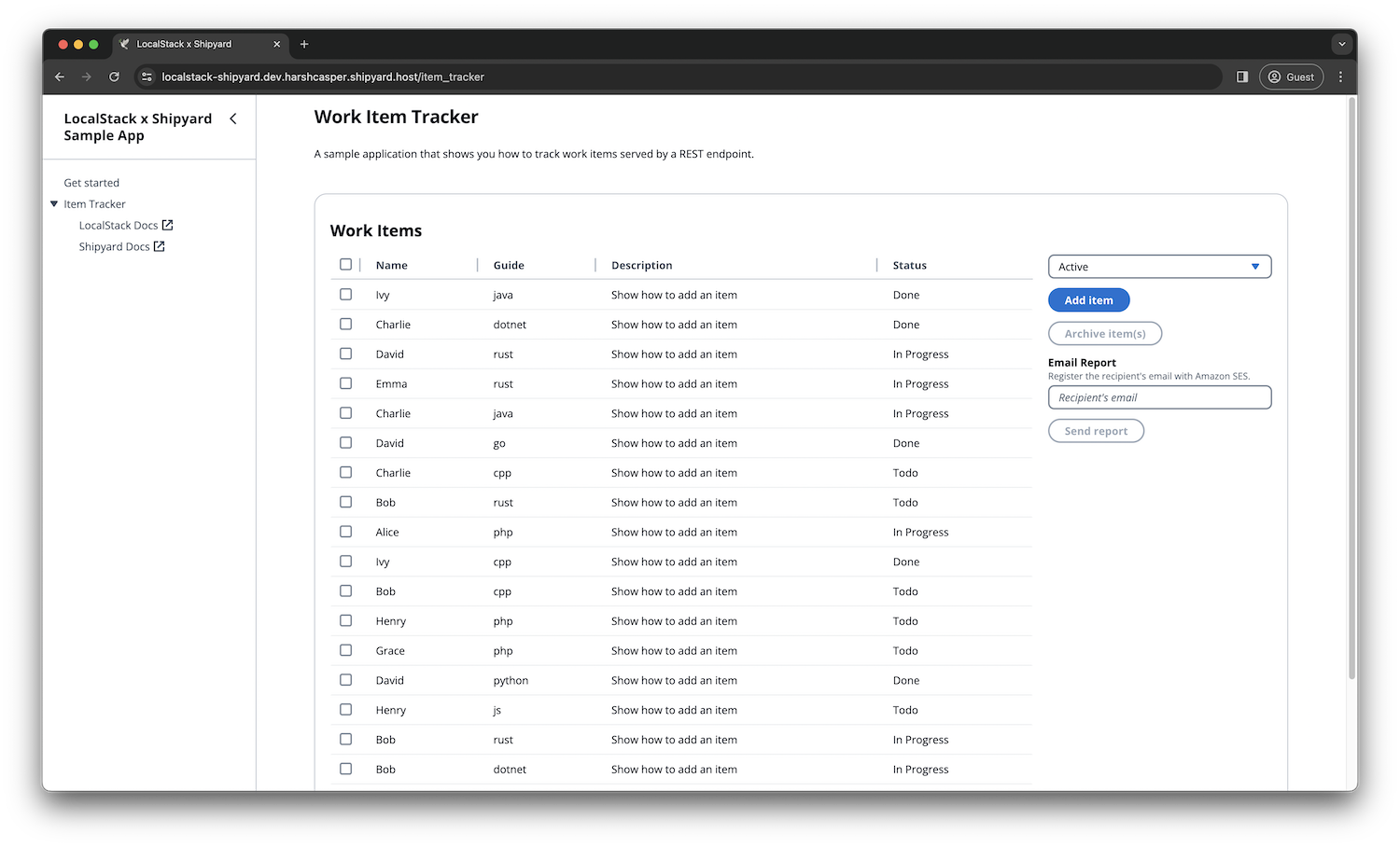
Harsh wrote a thorough walkthrough on how you can get this app running both locally and on Shipyard. Before you go, sign up for a 30-day free trial of Shipyard so you can deploy this app in an ephemeral environment.
Read LocalStack’s announcement and technical walkthrough:
As always, reach out if you want to see a demo!