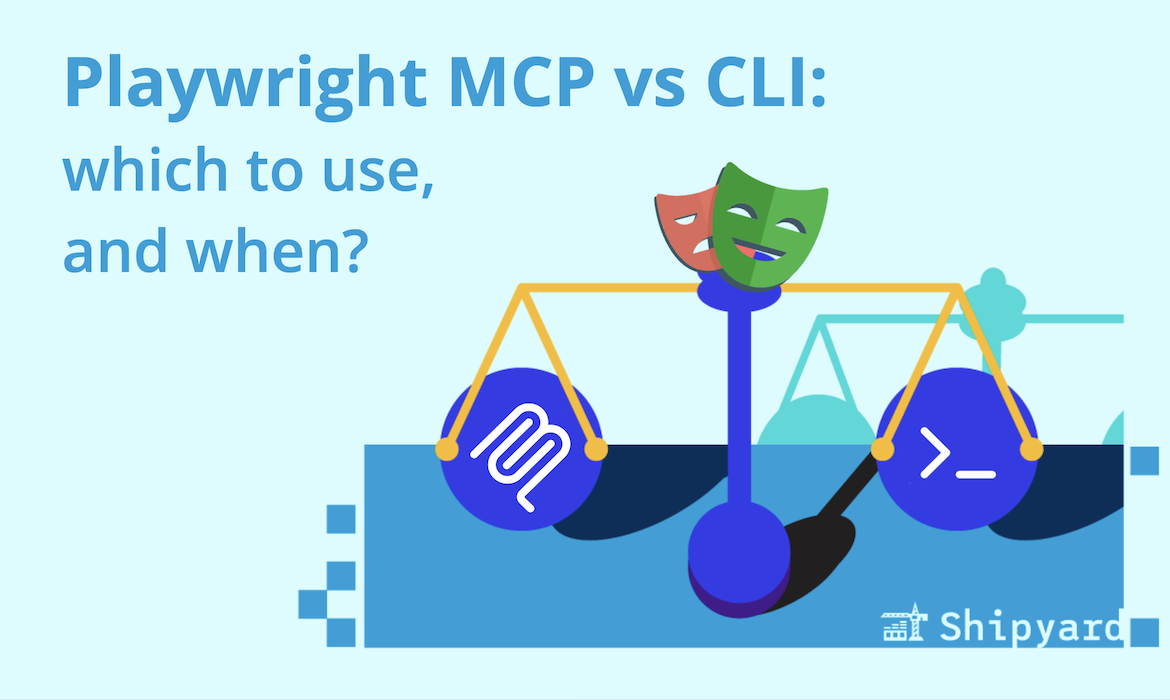
The Playwright MCP was arguably the highest-impact MCP server of 2025. It allows coding agents to view and interact with browser-based apps, an important part of dev workflows that was notably absent from most agents.
The tide has turned on MCP (Model Context Protocol) servers, and they’re being used less often for simpler agentic dev when CLIs are available. However, MCP still outperforms in certain use cases. Microsoft gives some guidelines on the CLI repo, and we wanted to look a little deeper into this.
The main difference
The Playwright CLI gives agents and humans a set of command-line tools for browser automation. You can describe an action in your prompt, and your agent should be able to infer the appropriate tool(s) for your scenario (e.g. navigate, click, screenshot).
The Playwright MCP runs as a Model Context Protocol server. Your coding agent connects to it, gets rich tool schemas, and gets detailed accessibility trees and page state returned in every response. Its convo with the browser is stateful. All of this adds up quickly in token consumption, but this context is helpful for more elaborate use cases.
When to use Playwright CLI
The CLI is best for the majority of browser-based tasks done with an agent, especially with a standard (~200k token) context window. Playwright’s CLI also supplies a Claude SKILL.md that will help it understand how to use the commands.
Coding agent context fills up fast, as they’re keeping track of prompts, outputs, results, and your codebase. Adding to this context window dilutes the weight of the truly important things you want your agent to know. When using the CLI, this isn’t much of an issue: the agent runs a command and gets a brief response.
CLI-based workflows are best for well-outlined, straightforward tasks that don’t require too much guesswork on the agent’s side.
CLI use cases
- Running E2E tests in a CI/CD pipeline
- Agents visiting a URL, taking a screenshot, and reporting back
- Scripted browser tasks where the steps are predictable
When to use Playwright MCP
Use the MCP server when your agent needs to really reason deeply about a page’s structure, or when it doesn’t know what it’ll find.
MCP can keep a browser session running across many turns. Your agent can ask “what’s on this page?”, inspect the accessibility tree, decide its next move, take that action, and reassess. Use this for workflows where that context is important, especially when the agent needs to self-correct or adapt to page content. It’s also better when you’re generating a test suite from scratch.
MCP use cases
- Investigating an unknown system, or one where you don’t have codebase context
- Using agents to write E2E tests
- Self-healing test agents (can recover when selectors change)
- Long-running agent workflows that keep page state over time
A quick decision guide
| CLI | MCP | |
|---|---|---|
| Token usage | Low | High |
| State persistence | Stateless | Stateful |
| Best for | Coding agents, CI tasks | Exploratory agents, self-healing tests |
| Context overhead | Minimal | Full accessibility tree |
The end of an era
Now that Playwright ships a standalone CLI, many devs have the tool they need for agent-based browser automation tasks. The MCP still has its place, but lives best in its own agent session: it’ll eat up tokens fast, and is best suited for tasks where you’re unfamiliar with the frontend architecture.
Are you looking for preview environments for your app where you can point Playwright CLI or MCP? Try Shipyard, your agent will get strong + complete feedback loops.
Bonus: Here’s how to do visual diffs with Claude, Playwright, and Shipyard.