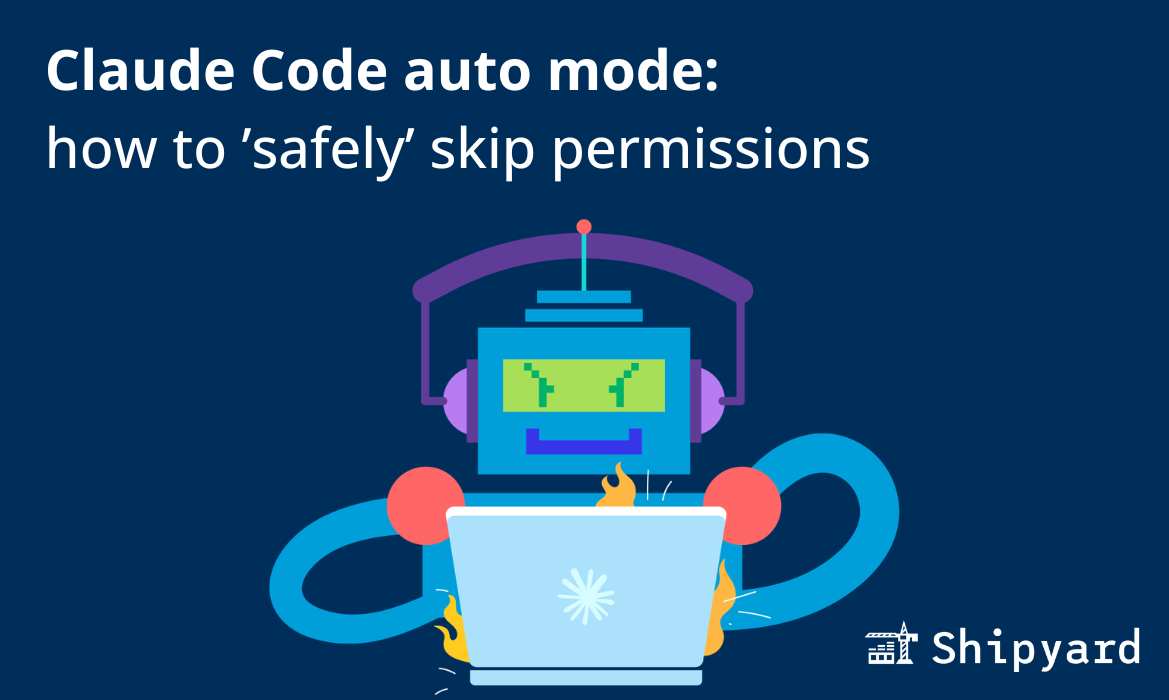
Claude Code’s exhaustive permission prompts (Allow this shell command? Approve this file write?) are a nuisance to many. According to Anthropic, Claude Code users approve 93% of these anyway. You can grant auto permissions to certain types of commands, or you can allow everything with --dangerously-skip-permissions, but there’s still an obvious gap here that has recently been addressed with Claude Code’s auto mode.
Users want a smarter “filter” for Claude’s actions so they don’t have to interrupt or re-prompt, and auto mode is an interesting and smart approach to solve this.
What is auto mode?
Claude Code’s auto mode is a new permissions mode that runs approval decisions through a separate language model. The classifier decides whether each CC decision is safe and on task, so the user doesn’t need to manually approve at each step.
Auto mode’s approval system has two layers. The input layer scans tool outputs (e.g. file reads, shell responses). It determines whether these are safe and rules out prompt injection, and any tasks it detects as risky or irrelevant will cue a redirection.
The output layer is a transcript classifier that evaluates each pending action against a set of decision rules. It runs a fast single-token filter first, and if that flags the action, a second chain-of-thought reasoning pass reviews it more thoroughly.
These only see your user messages and the agent’s raw tool calls, so it’s harder for a compromised model to rationalize its way past the guardrails.
How to use auto mode
You can launch a CC auto mode session by running this command:
claude --permission-mode auto
You can also configure this in your Claude settings file:
{
  "permissions": {
    "defaultMode": "auto"
  }
}
When should you use auto mode?
Auto mode is a good choice for most low to medium-risk tasks. Many devs shy away from --dangerously-skip-permissions (aptly AKA “YOLO mode”) because the chance of messing with system files is too high, and its best practice to only run that mode within its own container. Auto mode is a good substitute for most of those tasks, albeit at a higher token cost. Truly low-priority CC tasks where you already have security guardrails in place might be below auto mode’s pay grade.
You might find value running auto mode for:
- Long-running or headless workflows (e.g. CI pipelines, overnight refactors, automated test runs)
- Using Claude Code to make code changes across files in a single project
Obviously, auto mode should not be used for riskier or more impactful tasks. Anthropic evaluated it to have a 17% false-negative rate when approving actions, where the approved actions in question were actually dangerous. A meticulous senior engineer will be more effective than auto mode on high-stakes tasks.
Auto mode vs. --dangerously-skip-permissions
Claude Code’s --dangerously-skip-permissions mode is self-explanatory, in that it simply just bypasses every permission prompt. Auto mode is smarter, and evaluates each CC action, including prompts and tool calls, to determine whether it’s on the right track. Of course, these actions are done via an LLM, which means decisions are prone to the aforementioned false positives.
When you enter auto mode, any broad permission rules you set are dropped. This includes whitelisted tools and shell access. The classifier needs to see those commands in order to evaluate them, and no hardcoded rules might cause some unsafe actions to slip through the filter.
Staying in flow
Auto mode is the most useful upgrade to Claude Code’s permission model since the tool launched. It’s still in research preview now, but we expect it to be a solid default for most typical dev work. For awhile, devs have been trying out different sandboxing techniques to pair with YOLO mode, but this isn’t practical for many everyday tasks. Since Anthropic has the data on CC’s bad decisions, its classifier can avert some of the obvious unsafe/irrelevant paths.
And when you’re running auto mode, you might want to give Claude Code secure, on-demand environments to self-test its code changes. Shipyard is a strong option here, and lets agents work autonomously with the level of infra they need to be successful. Try it free for 30 days and watch your agents ship higher-quality code.